Fix the newsletter
Read a whole page, find the part that does a job, and change just that part.
Web designers spend more time changing pages someone else wrote than starting new ones.
- Rules and selectors · Write a CSS rule that styles every tag of one kind, and find out that it changes how they look, not what they are.
- Pick some with a class · Mark the elements you choose with a class, and style only those with a rule that starts with a dot.
Real pages are longer than the ones you have built so far. They start with the same few lines, called the page wrapper, which you can copy as it is for now: <!DOCTYPE html> says this is a web page, <head> holds information about the page (its <title> on the browser tab, and the <style> block with the rules), and <body> holds everything that shows.
Every step here is a job on a school newsletter. Read the page, find the part that does the job, and change only that part.
How this lesson works: Investigate, Modify
- Investigate: Trace how each line of code connects to what you see.
- Modify: Change the code on purpose and check the result.
Read the page
<!DOCTYPE html>
<html>
<head>
  <title>School newsletter</title>
  <style>
    h2 {
      color: navy;
    }
  </style>
</head>
<body>
<h1>Library news</h1>
<p>The library has 200 new books this term.</p>
<h2>Book fair</h2>
<p>The book fair starts on Monday in the library.</p>
</body>
</html>
What does each part of this page do?
One part of the page decides how headings look.
Match each part of the page with its job.
Split the article
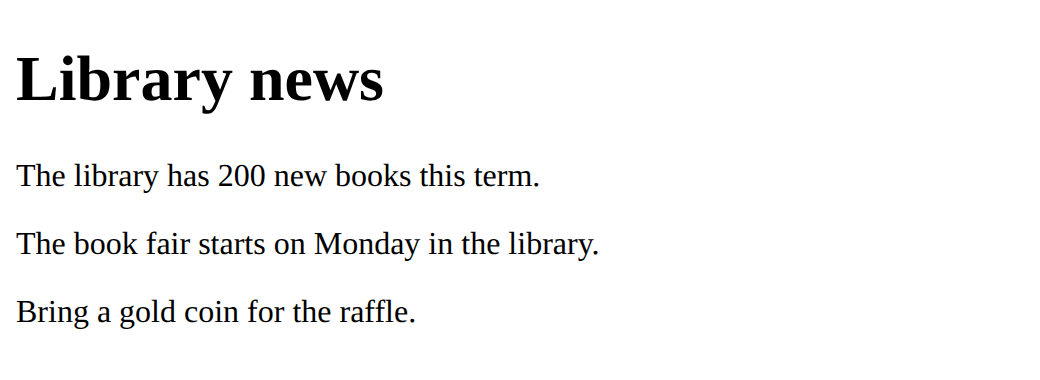
The article is one long paragraph. Split it into one paragraph for the new books, one for the book fair and one for the raffle.
Need a hint?
Before a hint: what kind of stuck is this? Try a strategy first
End the paragraph with </p> where one idea finishes, and start the next with <p>.
Another hint
Three paragraphs: the new books, the book fair, and the raffle.
Show the expected result
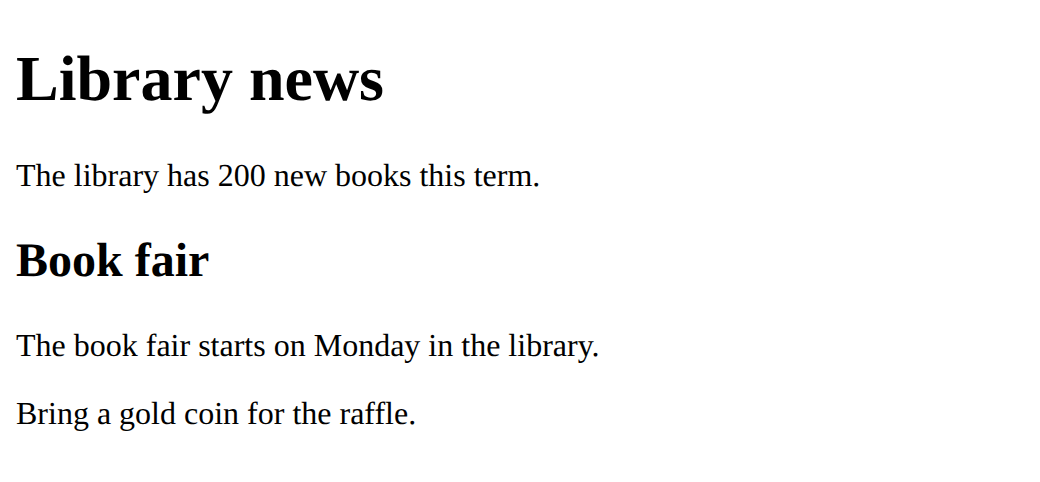
Add an <h2> heading, Book fair, above the book fair paragraph.
Need a hint?
Before a hint: what kind of stuck is this? Try a strategy first
A section heading is an <h2>, with its closing tag, on its own line.
Another hint
Put it just above the paragraph about the book fair.
Show the expected result
Split the article into separate paragraphs.
This ticks when your page has all of the above.
Add an <h2> heading, Book fair, above the book fair paragraph.
This ticks when your page has all of the above.
Fix the crossed tag
The browser never complains about a crossed tag; it just guesses.
<!DOCTYPE html>
<html>
<head>
  <title>School newsletter</title>
</head>
<body>
<h1>Library news</h1>
<h2>Book fair</h2>
<p>The book fair starts <strong>Monday at <em>10 am</strong> in the library</em>.</p>
</body>
</html>
The words in the library come out slanted as well, but only 10 am should be. Click the line that causes it.
Add a list, a link and a picture
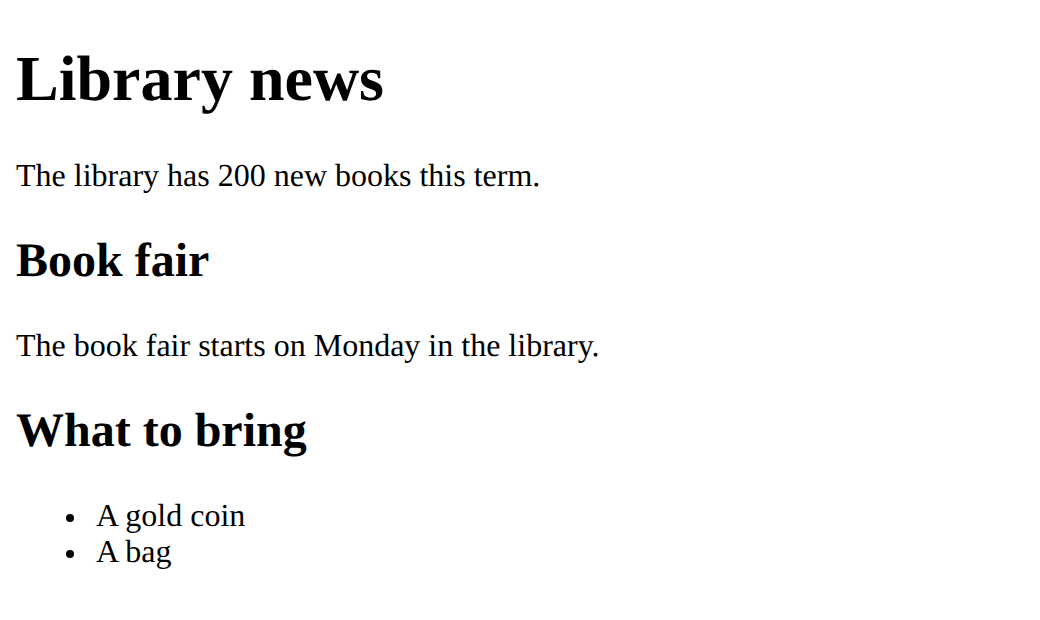
Under a new <h2> heading, What to bring, add a bulleted list: a gold coin and a bag.
Need a hint?
Before a hint: what kind of stuck is this? Try a strategy first
A bulleted list is <ul> with one <li> for each thing.
Another hint
Put it under the heading What to bring.
Show the expected result
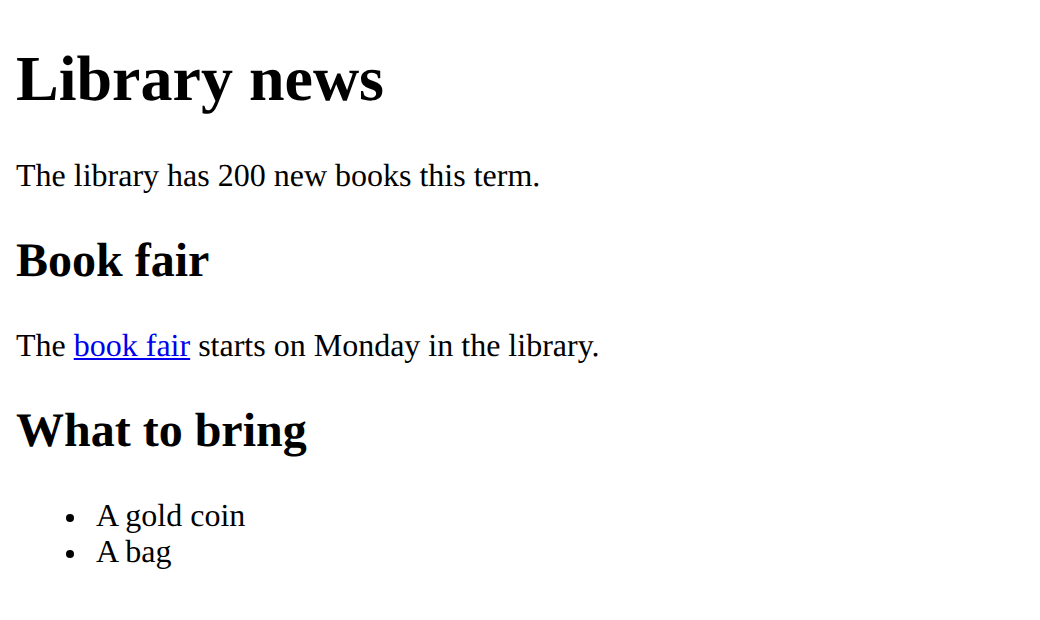
Make the words book fair in the second paragraph a link to https://example.com/bookfair.
Need a hint?
Before a hint: what kind of stuck is this? Try a strategy first
Put <a href="..."> before the words and </a> after them.
Another hint
The address goes inside the quotes after href=.
Show the expected result
Add book.svg under the Library news heading, with alt words that describe it.
Need a hint?
Before a hint: what kind of stuck is this? Try a strategy first
The picture is book.svg. Its tag has no closing tag.
Another hint
alt says what the picture shows, as if telling someone on the phone.
Show the expected result
Add a bulleted list of two things to bring.
This ticks when your page has all of the above.
Make the words book fair a link to https://example.com/bookfair.
This ticks when your page has all of the above.
Add the book picture with alt words under the Library news heading.
This ticks when your page has all of the above.
Mark the headline story
The newsletter has two stories. Mark the first one, the book news, with the class headline.
Need a hint?
Before a hint: what kind of stuck is this? Try a strategy first
A class is an attribute, so it goes inside the opening tag of the paragraph.
Another hint
After p and a space, write class= and the name in quotes.
Show the expected result
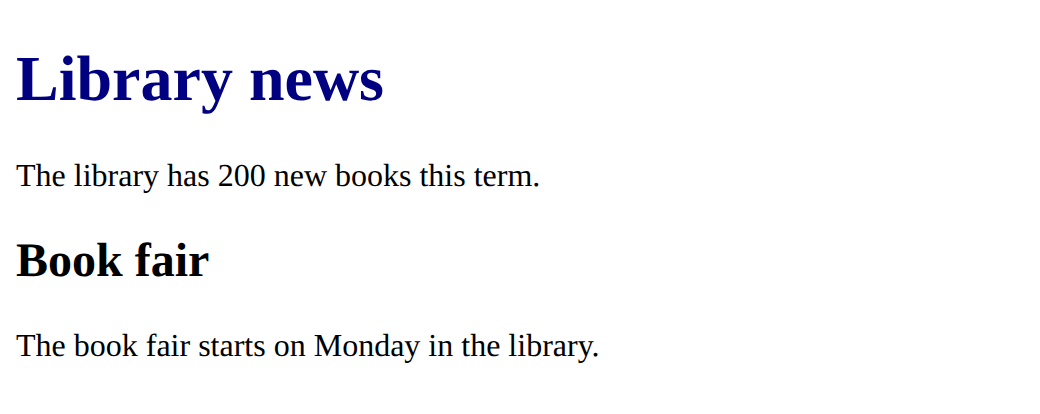
Add a rule for .headline that gives it a lightyellow background.
Need a hint?
Before a hint: what kind of stuck is this? Try a strategy first
Add .headline { ... } inside the <style> block, below the other rules.
Another hint
The dot goes in the CSS only. Try background-color: lightyellow;.
Show the expected result
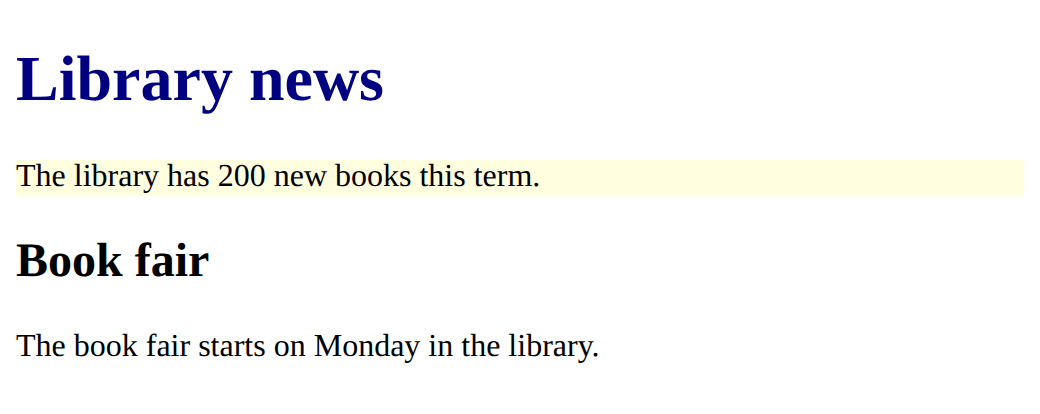
Mark the first story with the class headline.
This ticks when your page has all of the above.
Add a rule for the class headline with a background colour.
This ticks when your page has all of the above.
Lesson done. You've finished every step you need.
- Find the part of a page that does a job and change just that part.
- Say what the head and the body of a page are for.
- Use paragraphs, lists, links, pictures and classes together in one page.
For teachers
Students read a whole newsletter page and change just the part that does each job, using what they met in Lessons 1 to 7. About 45 minutes.
Open the teacher guide: answers, solutions, slides and a worksheet.
Students will be able to
- I can find the part of a page that does a job and change just that part.
- I can say what the head and the body of a page are for.
- I can use paragraphs, lists, links, pictures and classes together in one page.
Before class
This is a review lesson: nothing new is taught, and each step uses ideas from earlier lessons. Do the last step yourself first (about 5 minutes).
The page wrapper (<!DOCTYPE html>, <html>, <head>, <body>) is a recipe to copy for now. The <title> shows on the browser tab, the <style> block sits in the <head>, and only the <body> shows on the page. The newsletter pulls together headings and paragraphs, nesting, rules, lists, links, pictures and classes.
Running the lesson
- Read the page: the match is about where each part lives. Ask where the rules for heading colours are.
- Split the article: they did this in lesson 1. A student who types Enter instead of `</p><p>` is repeating the first misconception.
- Crossed tag: ask which tag was opened last.
- List, link and picture: three small changes in one page; check each one on the page before moving on.
- Headline: the class goes in the HTML and the rule in the style block; watch for a dot in the HTML or a name that does not match.
The hard part (on purpose)
Choosing which part to change. Ask them to name the job first, then point to the part of the page that does it.
When students get stuck
- Nothing changes when the student edits a tag. Ask: Is the change inside the body, or in the head? Fix: Only the body shows. Move the change between <body> and </body>.
- The new rule does nothing. Ask: Does the name after the dot match the class in the tag exactly? Fix: Make the names identical and keep the dot in the CSS only.
- The whole page after the heading is bold or a link. Ask: Where does the tag end? Fix: Add the missing closing tag, such as </a> or </strong>.
Stretch and support
Stretch: Add a second heading rule that makes every h2 teal, and a class for a third story in a different colour.
Support: Give students only the Read the page and Mark the headline steps, and a copy of the page with the paragraphs already split.
Where it leads
Next unit is Parts of a page: tables, the named parts of a page, links within a page and forms. Class idea: ask students to open a school page and find its wrapper parts in the browser's view-source.
What each step is for
- Read the page: Before changing a page, say what each part is for: the head holds information and rules, the body holds what shows.
- Split the article: Tags, not line breaks, decide the paragraphs: the whole article came out as one.
- Fix the crossed tag: Tags that overlap give no error message, only the browser's best guess.
- Add a list, a link and a picture: A list, a link and a picture are three different kinds of change, in the right place inside the body.
- Mark the headline story: A class picks the one story to stand out, and a rule in the style block says how.