Tags label text
Label text with tags, and find out that the browser ignores line breaks in your code.
Under its colours and pictures, your school's website is plain text with tags around it.
Every web page is text with tags in it. A tag is a label: <h1> labels the main heading and <p> labels a paragraph. Most tags come in pairs, an opening tag <p> and a closing tag </p> with a slash, wrapped around the text they label.
How this lesson works: Predict, Run, Investigate, Modify, Make
- Predict: Read the code and say what it will do before you run anything. A wrong guess is fine: it shows you what to look for.
- Run: Run it and compare the result with your prediction.
- Investigate: Trace how each line of code connects to what you see.
- Modify: Change the code on purpose and check the result.
- Make: Build something new using what you have learned. Expect a few tries; that is normal.
Make your prediction first. Help opens once you've locked it in.
Predict
<h1>Sports day</h1>
<p>Sports day is on Friday.
Bring a hat
and water.</p>
<p>Races start at 9 am.</p>
Each <p> starts a paragraph and </p> ends it. How many lines of normal text do you think the page will show?
Run
Compare the page with your prediction. Then put the cursor after Bring a hat and press Enter a few times: the page does not change. Now give Bring a hat and water. its own <p> and </p>, and watch it move to a new line.
| Code | What it does | Why |
|---|---|---|
<h1>Sports day</h1> |
Makes the main heading | <h1> opens it and </h1> closes it. The tag says what the text is; the browser picks the big, bold look |
<h2>When</h2> |
Makes a smaller heading for one section | <h1> to <h6> are all headings: the number is the level, and 1 is the biggest |
<p>Races start at 9 am.</p> |
Makes one paragraph | Each <p> starts a new paragraph, with a gap above it |
the three lines inside the first <p> |
Show as one line | The browser ignores line breaks in the code. Only a new <p> starts a new line |
<h1>Sports day</h1>
<p>Sports day is on Friday.
Bring a hat
and water.</p>
<p>Races start at 9 am.</p>
Investigate
<h1>Sports day</h1>
<h2>When</h2>
<p>Sports day is on Friday.</p>
<h2>What to bring</h2>
<p>Bring a hat and water.</p>
What does each tag in this page do?
Tags, not lines of code, make paragraphs.
Sam pressed Enter and expected a new line.
Match each part of the page with its job.
Sam wants Bring a towel. and Races start at 9 am. on separate lines, but the page shows them on one line. Click the line that causes it.
Modify
Make this a notice for a different event on a different day.
Need a hint?
Before a hint: what kind of stuck is this? Try a strategy first
Change only the words between the tags. Leave the tags as they are.
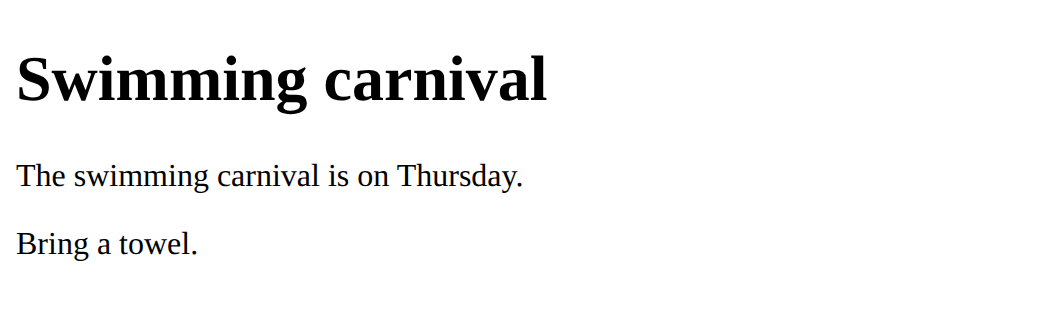
Split the long paragraph so the date and what to bring are separate.
Need a hint?
Before a hint: what kind of stuck is this? Try a strategy first
End the first paragraph with </p> after Friday.
Another hint
Then start the second with <p> before Bring.
Show the expected result
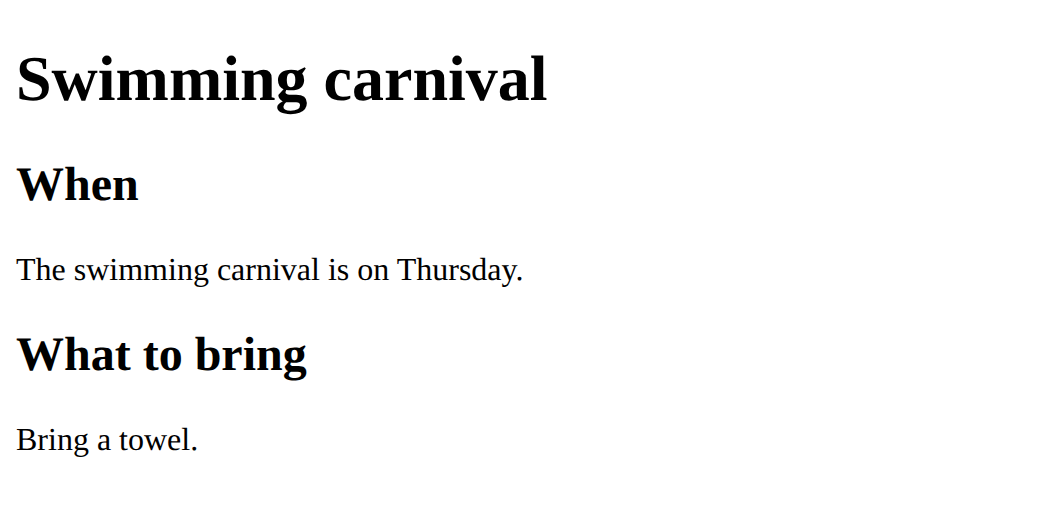
Add an <h2> heading above each paragraph: When above the first, What to bring above the second.
Need a hint?
Before a hint: what kind of stuck is this? Try a strategy first
A section heading uses <h2>, just like <h1> but smaller.
Another hint
Put each <h2> on its own line, just above the paragraph it describes.
Show the expected result
Split the one paragraph into two.
This ticks when your page has all of the above.
Add an <h2> heading above each paragraph.
This ticks when your page has all of the above.
Make
Write a page about a place you know well (a park, a beach, a town you've visited): an <h1> title, two sections with <h2> headings, and a paragraph in each.
Build up to it
Need a hint?
Before a hint: what kind of stuck is this? Try a strategy first
Start with the <h1> title, then add one section at a time: an <h2>, then its <p>.
Another hint
Check the page after each tag you add. If the page looks wrong, look for a tag with a missing < or >, or a closing tag without its slash.
Show the expected result
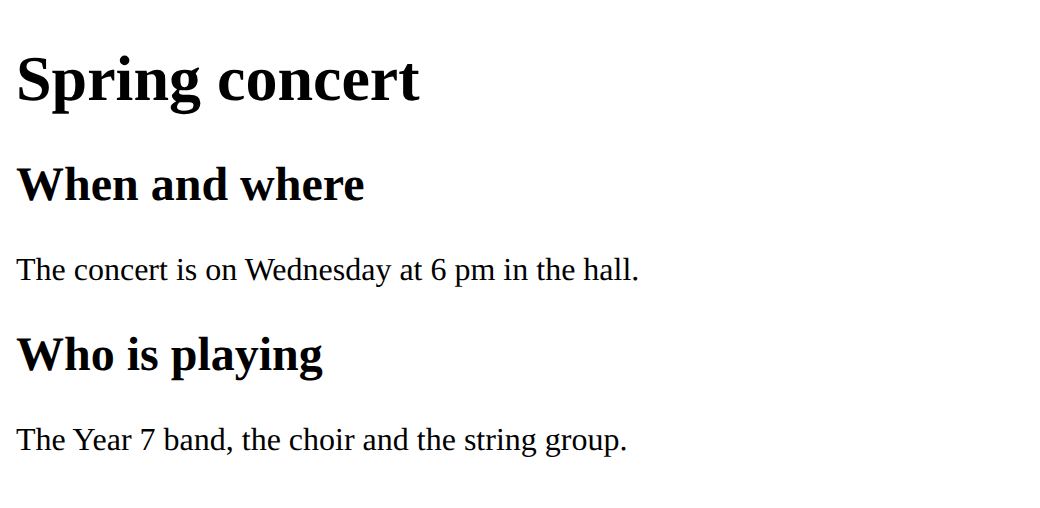
Write a page with a title, two headings and a paragraph under each.
This ticks when your page has all of the above.
Lesson done. You've finished every step you need.
- Use <h1>, <h2> and <p> to say what each piece of text is.
- Explain why line breaks in my code do not show on the page.
- Start a new paragraph with its own <p> and </p>.
For teachers
Students label text with headings and paragraphs, and find out that the browser ignores line breaks in the code. About 40 minutes.
Open the teacher guide: answers, solutions, slides and a worksheet.
Students will be able to
- I can use <h1>, <h2> and <p> to say what each piece of text is.
- I can explain why line breaks in my code do not show on the page.
- I can start a new paragraph with its own <p> and </p>.
Before class
Read the unit primer "HTML structure in 5 minutes" first, then do the Make task yourself in the playground (about 5 minutes).
The surprise for students: pressing Enter in the code does not make a new line on the page. Only a new <p> does. A tag is a label in angle brackets, like <p>. Most tags come in pairs: an opening tag <p> and a closing tag </p> with a slash, wrapped around the text they label.
Running the lesson
- Predict and Run: most students say 4 lines. The page shows 2, because the browser joins the lines of one paragraph. Let them press Enter in the code and see that nothing changes, then add a `<p>`. Ask one pair from each answer to say why. Most will say 4: that is the idea the lesson turns around.
- Investigate: the match task is about meaning, not looks: `<h1>` means the main heading. The one-line question is the key idea, that the tags decide and not the lines of code.
- Modify and Make: one change at a time, check the page each time. The Make check ticks when the page uses `<h1>`, `<h2>` and `<p>`.
The hard part (on purpose)
Seeing that line breaks in the code do nothing. Let the Predict surprise land, and ask which tag starts a new line rather than fixing it.
When students get stuck
- Text the student typed on a new line runs on from the line before. Ask: Which tag starts a new paragraph? Fix: Wrap each paragraph in its own <p> and </p>. Pressing Enter in the code does not change the page.
- A tag shows on the page as text, such as <h2 or h2>. Ask: Does every tag have both of its angle brackets? Fix: Every tag needs < and >, and a closing tag needs the slash, as in </h2>.
- Everything after a heading is big and bold. Ask: Where does the heading end? Fix: Add the missing closing tag, such as </h2>, straight after the heading words.
Stretch and support
Stretch: Add a third section with an <h2> heading, and try <h3> and <h4> to see what the heading numbers do.
Support: Give students the Modify starter and ask them only to change the words between the tags, then add one <h2>. Point to the Reference drawer for each tag.
Where it leads
Next lesson puts tags inside other tags, so a word can be important inside a paragraph, and finds out what the browser does when a tag is missing. Class idea: show a news website and ask students to spot the headings and paragraphs.
What each step is for
- Predict: Students expect the page to copy the code's line breaks; committing to a number first makes the surprise stick.
- Run: Tags, not line breaks, shape the page: a new paragraph needs its own <p>.
- Investigate: Tags, not line breaks in the code, decide what the page shows.
- Modify: Changing a working page one small step at a time, and checking the page after each change.