Turn the newsletter into cards
Read a longer stylesheet, find the rule that does a job, and change just that rule.
A stylesheet grows rule by rule, and the skill is finding the one rule that does the job you want to change.
- Rules and selectors · Write a CSS rule that styles every tag of one kind, and find out that it changes how they look, not what they are.
- Pick some with a class · Mark the elements you choose with a class, and style only those with a rule that starts with a dot.
The newsletter page has grown a stylesheet. Its <style> block, in the <head> of the page wrapper, now holds several rules, and some of them apply to the same elements. Every step here is a job on that page: read the rules, find the one that does the job, and change only that rule.
How this lesson works: Investigate, Modify
- Investigate: Trace how each line of code connects to what you see.
- Modify: Change the code on purpose and check the result.
Read the stylesheet
<!DOCTYPE html>
<html>
<head>
  <title>School newsletter</title>
  <style>
    body {
      font-family: sans-serif;
    }
    h1, h2 {
      color: navy;
    }
    h2 {
      color: teal;
    }
    .note {
      background-color: lightyellow;
    }
  </style>
</head>
<body>
<header>
  <h1>Library news</h1>
</header>
<main>
  <section>
    <h2>New books</h2>
    <p>The library has 200 new books this term.</p>
  </section>
  <section>
    <h2>Book fair</h2>
    <p class="note">The book fair starts on Monday in the library.</p>
  </section>
</main>
</body>
</html>
What does each rule change?
The Book fair heading matches two rules.
Match each rule with what it changes.
Change one rule
Make the section headings orange without changing the title.
Need a hint?
Before a hint: what kind of stuck is this? Try a strategy first
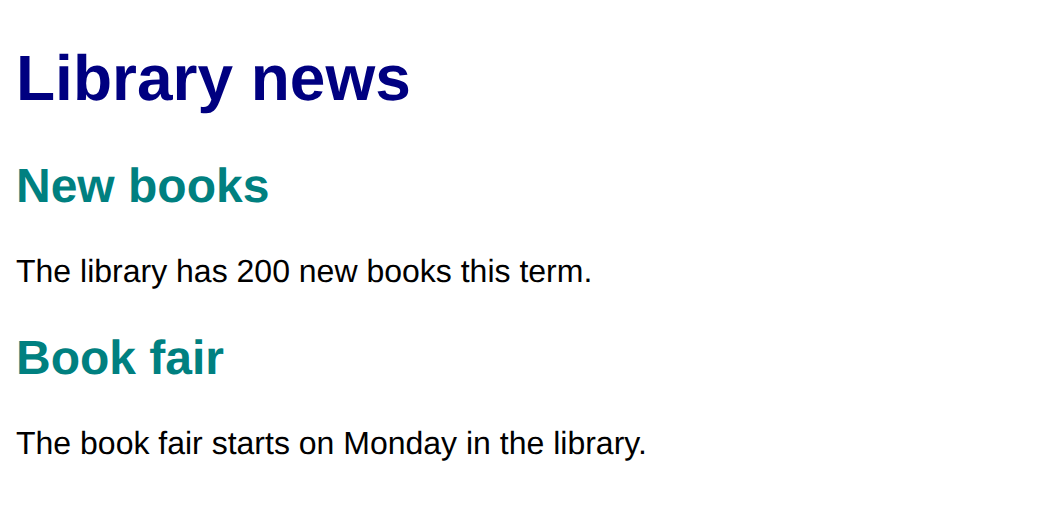
The section headings are teal because of the rule after the group rule. Change that one.
Another hint
Find h2 { color: teal; } and change teal.
Show the expected result
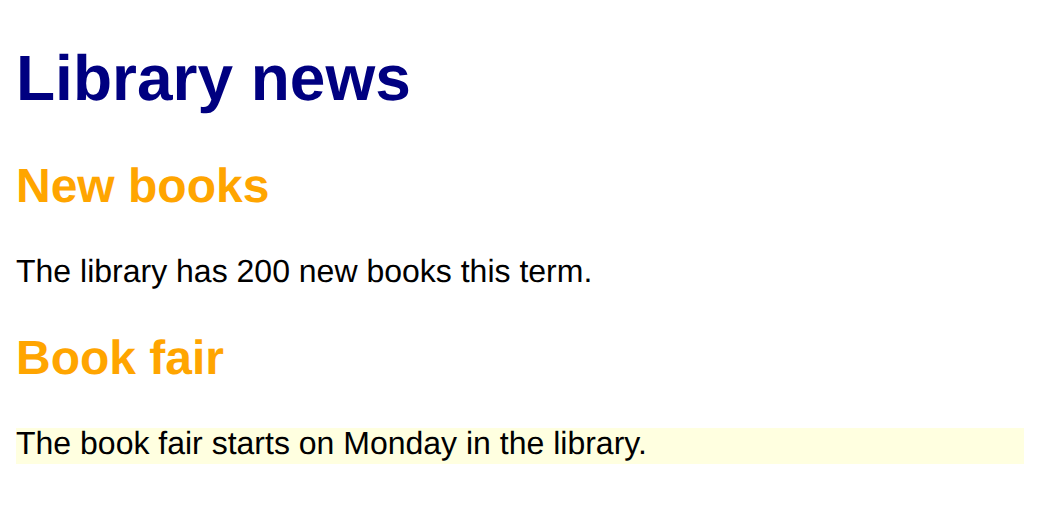
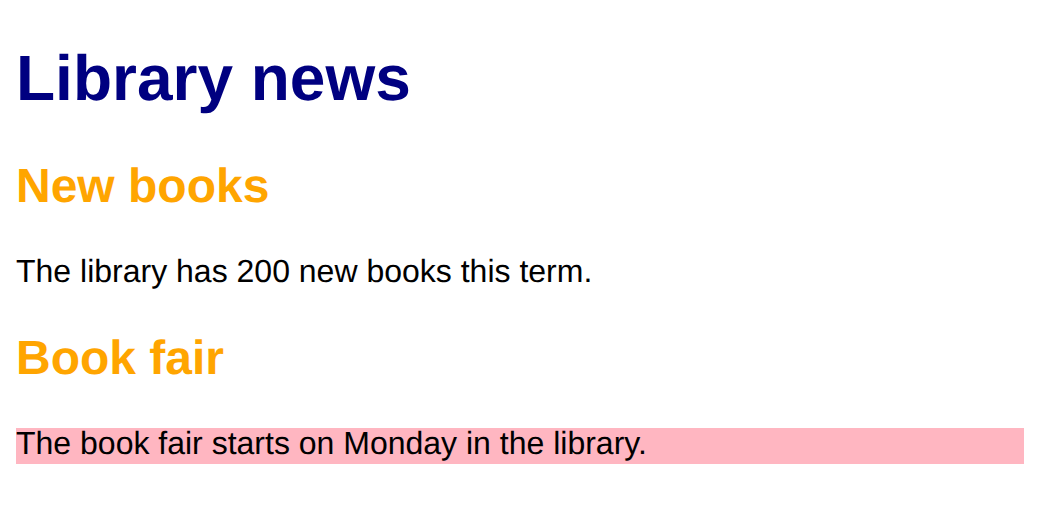
Make the paragraph marked note stand out in lightpink.
Need a hint?
Before a hint: what kind of stuck is this? Try a strategy first
The rule for the marked paragraph starts with a dot. Change its colour name.
Show the expected result
Make the section headings orange, and leave the title navy.
This ticks when your page has all of the above.
Make the note paragraph's background lightpink.
This ticks when your page has all of the above.
Style the menu links
The menu is a <nav> of links, and the story has a link of its own.
Look at how the menu sits on the page.
Add a rule that removes the underline from the menu links and gives them the colour navy. The link in the story must keep its underline.
Need a hint?
Before a hint: what kind of stuck is this? Try a strategy first
Write a new rule below the others in the <style> block. Its selector is two words.
Another hint
nav a { text-decoration: none; } removes the underline, and the color line chooses the link colour.
Show the expected result

Remove the underline from the menu links only.
This ticks when your page has all of the above.
Turn the sections into cards
Work out the width before you write any rule.
Each section needs the same class, card.
Need a hint?
Before a hint: what kind of stuck is this? Try a strategy first
A class is an attribute, so it goes inside the opening tag of each <section>.
Show the expected result
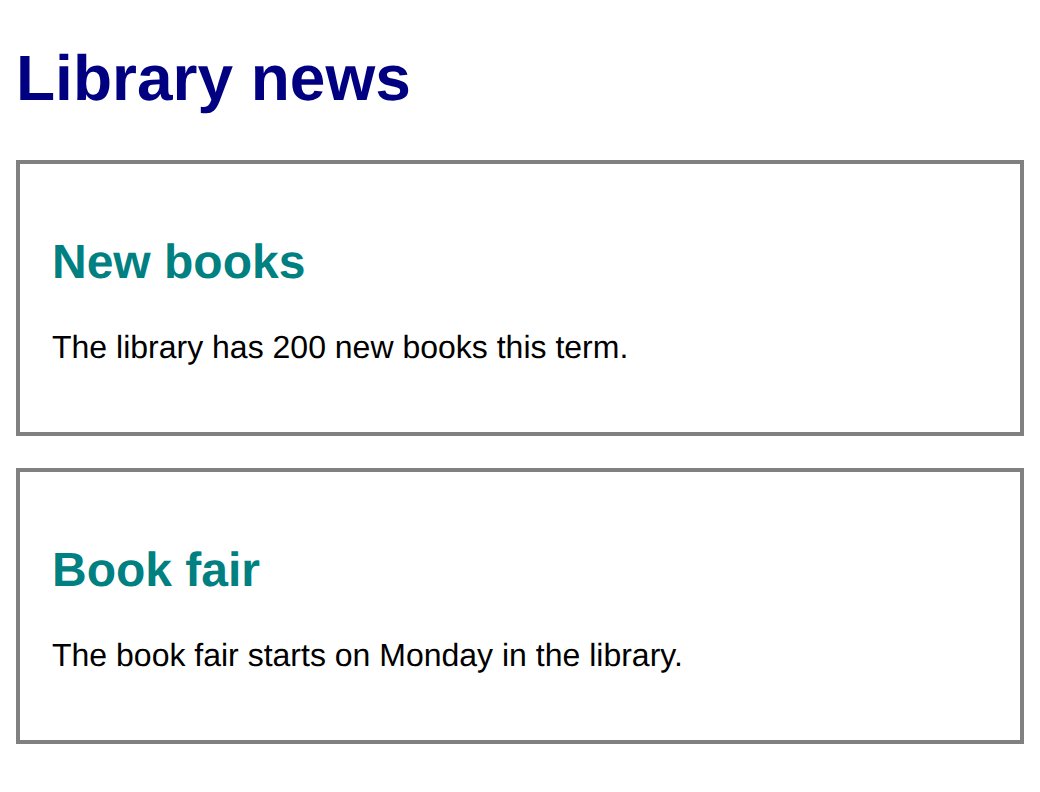
Write a .card rule with padding and a border. Add margin too, so the cards do not touch.
Need a hint?
Before a hint: what kind of stuck is this? Try a strategy first
A class rule starts with a dot. Write it in the <style> block.
Another hint
.card { padding: 16px; border: 2px solid gray; }
Show the expected result
A card rule says width: 300px; padding: 20px; border: 2px solid gray; How wide is the card on the page, in pixels?
Mark both sections with the class card.
This ticks when your page has all of the above.
Add a .card rule with padding and a border.
This ticks when your page has all of the above.
Fix the squashed card
Maya wrote a .card rule for the newsletter. The border shows, but the cards look squashed.
<!DOCTYPE html>
<html>
<head>
  <title>School newsletter</title>
  <style>
    body {
      font-family: sans-serif;
    }
    .card {
      padding: 16;
      border: 2px solid gray;
      margin: 16px 0;
    }
  </style>
</head>
<body>
<main>
  <section class="card">
    <h2>New books</h2>
    <p>The library has 200 new books this term.</p>
  </section>
  <section class="card">
    <h2>Book fair</h2>
    <p>The book fair starts on Monday in the library.</p>
  </section>
</main>
</body>
</html>
Maya's cards have a border, but the words touch it, and there is no error. Click the line that causes it.
Lesson done. You've finished every step you need.
- Find the rule in a stylesheet that does a job and change just that rule.
- Say which rule wins when two rules set the same property.
- Style the links in a menu with nav a.
- Give several elements a shared class with padding and a border.
For teachers
Students read a whole newsletter stylesheet and change just the rule that does each job, using rules that combine, links in a menu, block and inline boxes, and the box. About 45 minutes.
Open the teacher guide: answers, solutions, slides and a worksheet.
Students will be able to
- I can find the rule in a stylesheet that does a job and change just that rule.
- I can say which rule wins when two rules set the same property.
- I can style the links in a menu with nav a.
- I can give several elements a shared class with padding and a border.
Before class
This is a review lesson: nothing new is taught, and each step uses ideas from earlier lessons. Do the cards step yourself first (about 5 minutes).
The page is a whole document, with the page wrapper from Structure and style a page (<!DOCTYPE html>, <head> with the <style> block, <body>). Only the <body> shows. The stylesheet has a group rule, a tag rule that comes after it, a class rule, and later a descendant rule (nav a) and a card class. Students use rules that combine, links in a menu, block and inline boxes, and the box in one page.
Running the lesson
- Read the stylesheet: the match is about what each rule changes. For the heading colour, ask which rule comes last and what happens to the property both set.
- Change one rule: the check wants a separate `h2` rule changed. A student who changes the group rule to orange sees the headings stay teal, because the later rule still wins.
- Menu links: ask which links `nav a` picks before they write it. The link in the story must keep its underline.
- Cards: the number is a sum on paper (300 + 40 + 4). Then one class on both sections and one `.card` rule.
- Fix the squashed card: it is the missing unit again, in a whole page.
The hard part (on purpose)
Choosing which rule to change. Ask them to name the job first, then point to the rule that does it before they type.
When students get stuck
- The headings stay teal after changing a colour. Ask: Which rule comes last for the h2 headings? Fix: Change the h2 rule that comes after the group rule, or the later rule still wins.
- Every link on the page lost its underline. Ask: Is the selector nav a, or just a? Fix: Write nav a, with a space, so only links inside the nav change.
- The cards do not change. Ask: Does the class name in the tags match the name after the dot exactly? Fix: Use class="card" on each section, and .card in the CSS with a dot.
Stretch and support
Stretch: Add a second class, `.featured`, with a different border colour, and put it on the headline section as well as card. Which border wins, and why?
Support: Give students only the Change one rule and Turn the sections into cards steps, and a copy of the page with the class already on both sections.
Where it leads
Next unit is Layout: Flexbox puts boxes in a row, such as a menu. Class idea: ask students to find three cards on a real website and sketch their padding, border and margin.
What each step is for
- Read the stylesheet: Before changing a stylesheet, say what each rule changes, and which rule wins where two meet.
- Change one rule: To change a job, find the rule that does it: here the h2 rule, not the group rule, and the note rule.
- Style the menu links: nav a picks only the links inside the menu; a plain a rule would change the link in the story too.
- Turn the sections into cards: One class on both sections and one rule for it makes them cards; the width of a card is more than its width property.
- Fix the squashed card: A size without a unit is ignored, in a whole page just as in a small one.