← The command line

The command line: recap

For after the lessons: one card per lesson, to check what you remember. Answer each question in your head or on paper first, then check it. Nothing here is marked.

Using a shell

1. Where files live

Try firstYou are in /home/sam/photos. Write the command to get to /home/sam/projects in one step.

Check your answer

cd ../projects (or cd /home/sam/projects, or cd ~/projects).

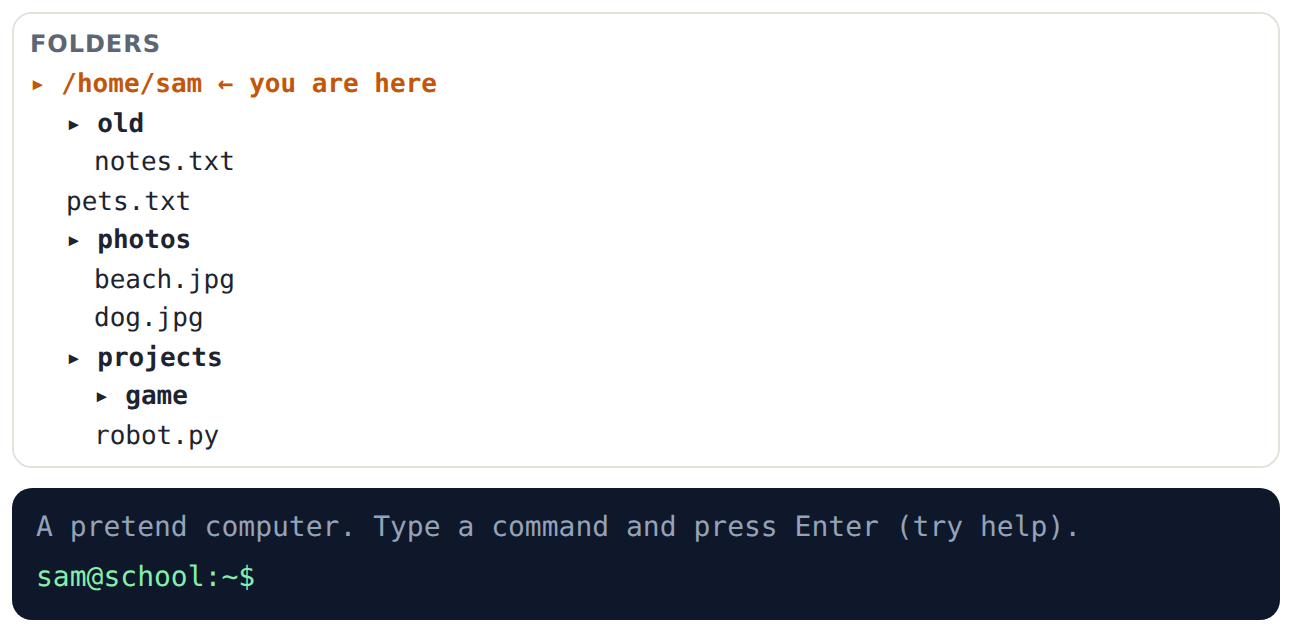
Files live in a tree of folders, and a path names a place in it.

  • pwd: where am I?
  • ls: what is here? (folders end with /)
  • cd name: go into a folder. cd .. goes up one; cd on its own goes home.

A path starting with / starts at the top and works from anywhere; other paths start from where you are. ~ means your home folder.
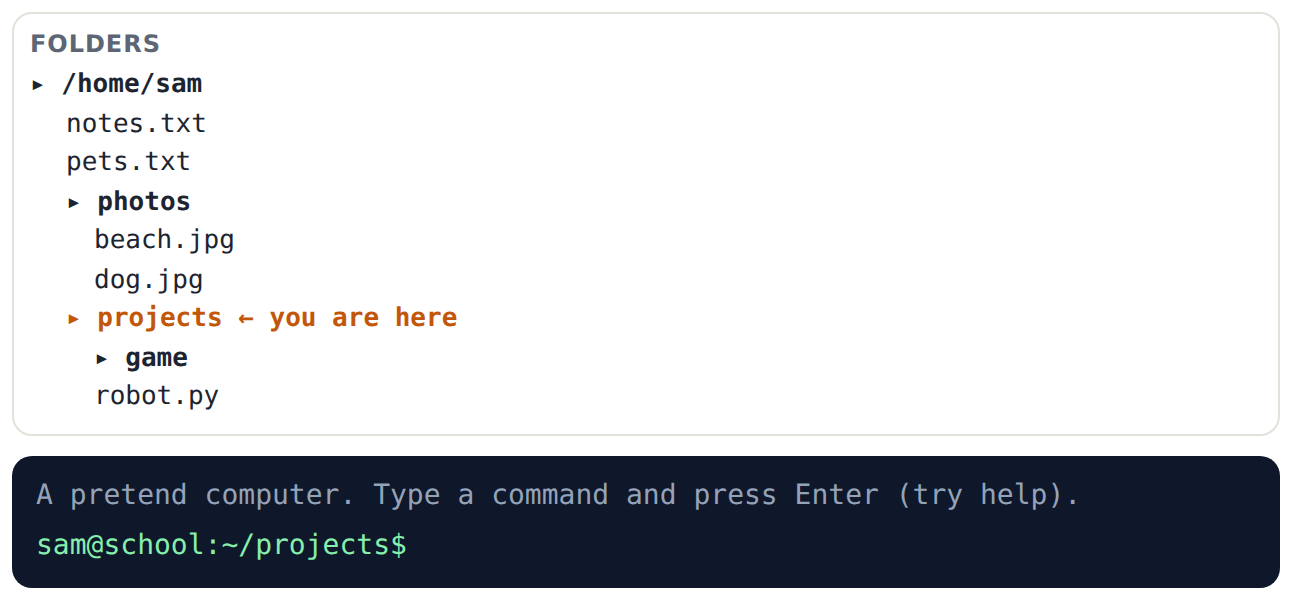

The folder tree beside a terminal: ls lists what is here, cd moves you, and the prompt shows where you are.
pwd, ls and cd · Sound on for the voiceover
Open the lesson →

2. Reading and finding

Try firstHow would you print only the lines of notes.txt with the word maths in them, and how would you check for hidden files?

Check your answer

grep maths notes.txt; ls -a.

  • cat file prints the whole file.
  • grep word file prints only the lines containing the word (anywhere in the line; capitals matter, -i ignores them; -c counts instead).
  • Names starting with a dot are hidden: ls skips them, ls -a shows them.
ls -a shows the hidden file .plans.txt, and cat prints it.
Hidden files and grep · Sound on for the voiceover
Open the lesson →

3. Changing files

Try firstWhat is the difference between cp notes.txt old and mv notes.txt old? Which is safer before deleting?

Check your answer

cp leaves the original and makes a copy in old; mv moves it. cp is safer.

  • mkdir name makes a folder.
  • cp a b copies (the original stays); mv a b moves or renames.
  • rm file deletes for good (no recycle bin); rm -r folder deletes a folder and everything in it.
  • echo text > file saves text into a file (replacing it); >> adds to the end.
After mkdir old, cp notes.txt old and rm notes.txt: the copy is safe in old, the original is gone.
Make, copy, delete · Sound on for the voiceover
Open the lesson →

4. Pipes

Try firstWrite one line that counts how many lines of pets.txt contain the letter o.

Check your answer

grep o pets.txt | wc -l (or grep -c o pets.txt).

A pipe (|) sends the output of the command on its left into the command on its right, instead of to the screen.

  • grep cat pets.txt | wc -l: find lines, then count them.
  • sort pets.txt | uniq: put in order, then drop repeats next to each other.
  • sort pets.txt | head -n 2: put in order, then keep the first two.
  • > file saves the final output into a file.
grep cat pets.txt | wc -l: grep's three lines go into wc -l, which counts them.
Joining commands with a pipe · Sound on for the voiceover
Open the lesson →

5. Who can read what

Try firstWhat does rw-r----- mean, and how would you make it so only you can read it?

Check your answer

The owner can read and write, the group can read, everyone else nothing (640). chmod 600 file (or chmod g-r file).

Every file has an owner and permissions: read (r), write (w) and run (x), for the owner, a group and everyone else.

  • ls -l shows them: -rw-r--r-- means the owner can read and change it; everyone else can only read it.
  • As digits, r = 4, w = 2, x = 1 added per group: rw-r--r-- is 644, rw------- is 600.
  • Only the owner can change them, with chmod. Hiding a file (a dot name) protects nothing.
ls -l /home/lee: marks.txt is rw------- (only Lee can read it); timetable.txt is rw-r--r-- (anyone can read it).
Permissions · Sound on for the voiceover
Open the lesson →