← Apps with Vue

Apps with Vue: recap

For after the lessons: one card per lesson, to check what you remember. Answer each question in your head or on paper first, then check it. Nothing here is marked.

Data on the page

1. Data on the page

Try firstWhat two things must you do so a value in setup appears on the page and stays up to date?

Check your answer

Make it with ref and return it from setup, then show it with {{ name }} inside the app.

  1. The page shows the score with {{ score }}.
  2. Load Vue, the vue.js file beside the page.
  3. In setup, the score is a ref: data that Vue watches. Return it so the page can use it.
  4. Each click changes the score, and Vue changes the page. No textContent.
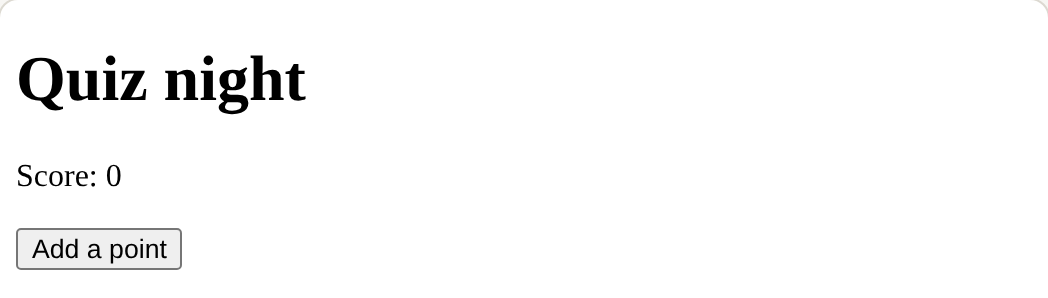
The page this code makes
What this code makes
Change the data, and Vue changes the page · Sound on for the voiceover
Open the lesson →

2. Lists and choices: v-for and v-if

Try firstWhy does v-for go on the li and not the ul?

Check your answer

v-for repeats the tag it is on, once per item; we want many li tags in one list, not many lists.

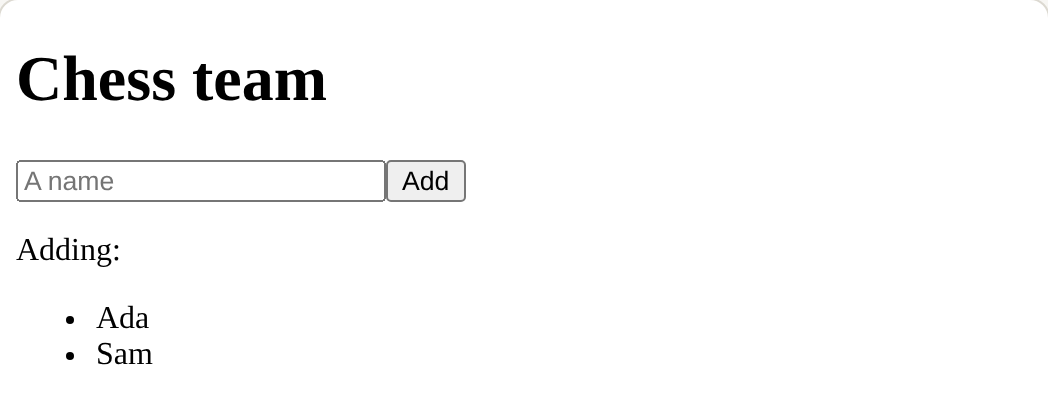
  1. The data is a list of three players; the page starts empty.
  2. v-for on the li makes one li for each name in the list.
  3. A button adds Kai to the list.
  4. Change the list, and Vue adds the li for you.
The page this code makes
What this code makes
v-for makes a tag for each item, and keeps it in step with the list · Sound on for the voiceover
Open the lesson →

3. Events and inputs

Try firstIn a Vue function, how do you add 1 to a ref called score, and why is it different on the page?

Check your answer

score.value++; the page unwraps refs for you, but the script reaches the value inside with .value.

  1. A score on the page, made with ref.
  2. A function in setup adds a point.
  3. In the script, the number is in score.value.
  4. The button runs the function when it is clicked: @click="addPoint".
  5. On the page you write score; in the script, score.value.
The page this code makes
What this code makes
A function in setup changes the data; in the script, the value is in .value · Sound on for the voiceover
Open the lesson →

Building apps

4. Values worked out from data: computed

Try firstWhy does a total made with computed stay right, when a plain calculation in setup does not?

Check your answer

Vue works a computed out again whenever the data it uses changes; a plain calculation runs once, when the page starts.

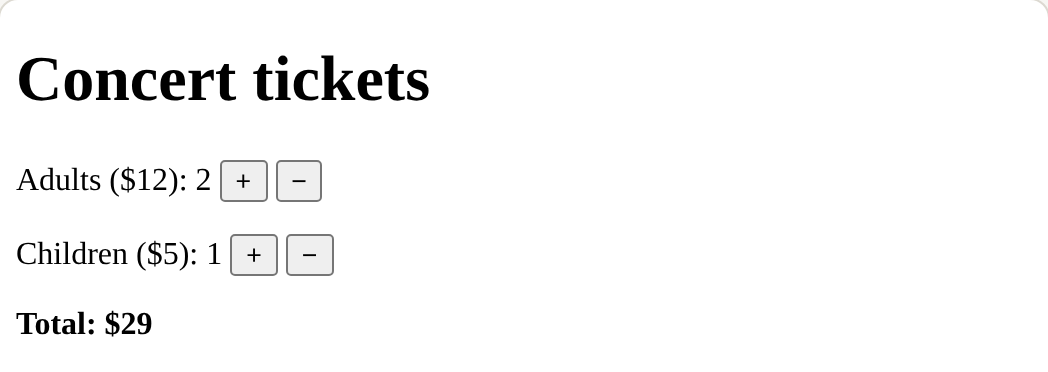
  1. Two adults, twelve dollars each.
  2. The total is worked out from adults with computed.
  3. Show it on the page with {{ total }}: two adults, 24 dollars.
  4. One more adult, and computed works the total out again: 36.
The page this code makes
What this code makes
computed works a value out again whenever the data it uses changes · Sound on for the voiceover
Open the lesson →

5. Components and props

Try firstWhat is the difference between wins="p.wins" and :wins="p.wins"?

Check your answer

Without the colon the card is given the words p.wins; with the colon it is given the value of p.wins.

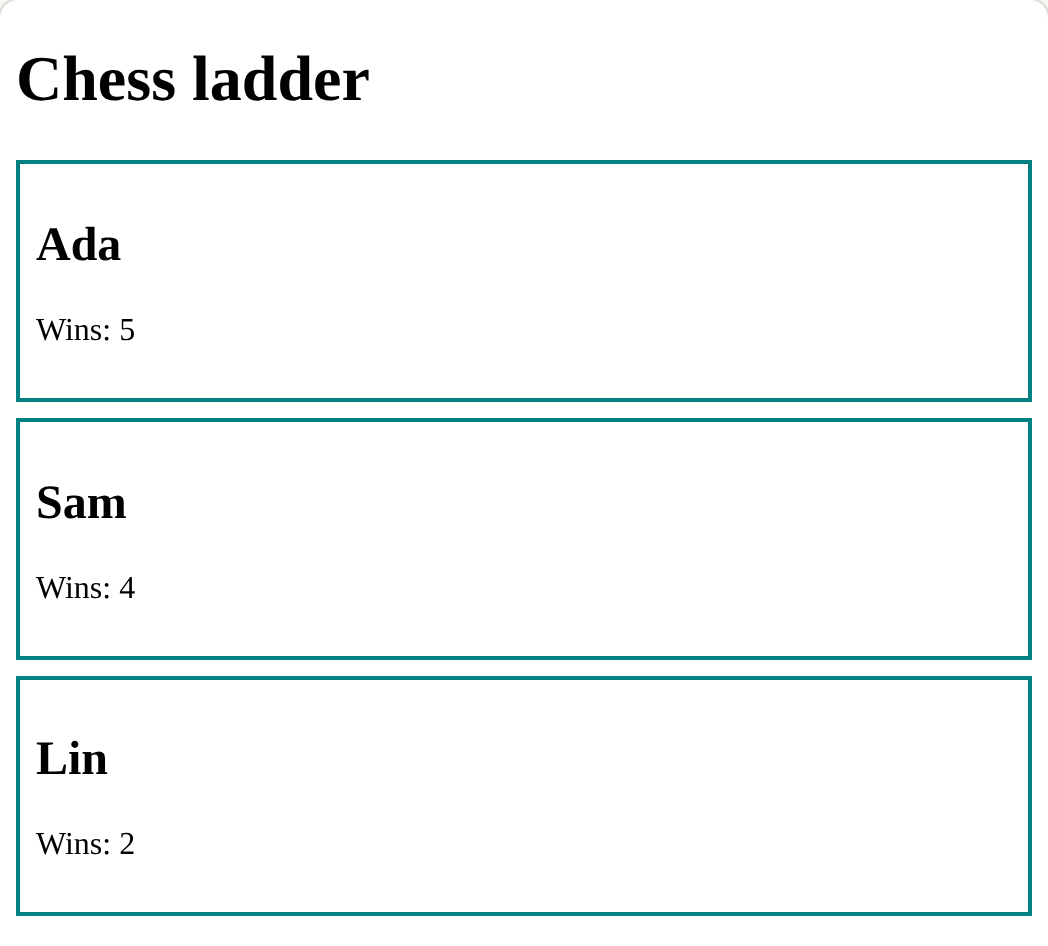
  1. An empty app.
  2. A component is a tag of your own: app.component("player-card", { … }).
  3. Its prop, name, is the data each copy is given; its template is the HTML each copy shows.
  4. Use the tag twice, with a different name each time.
  5. Written once, used twice, each copy with its own data.
The page this code makes
What this code makes
Make a tag once with a component; props give each copy its own data · Sound on for the voiceover
Open the lesson →

Final challenge: a to-do app

6. Final challenge: a to-do app

Try firstWhy is the number left a computed and not a ref?

Check your answer

It is worked out from the list, so it must be counted again whenever a task is added, ticked or cleared; computed does that, a ref would go out of step.

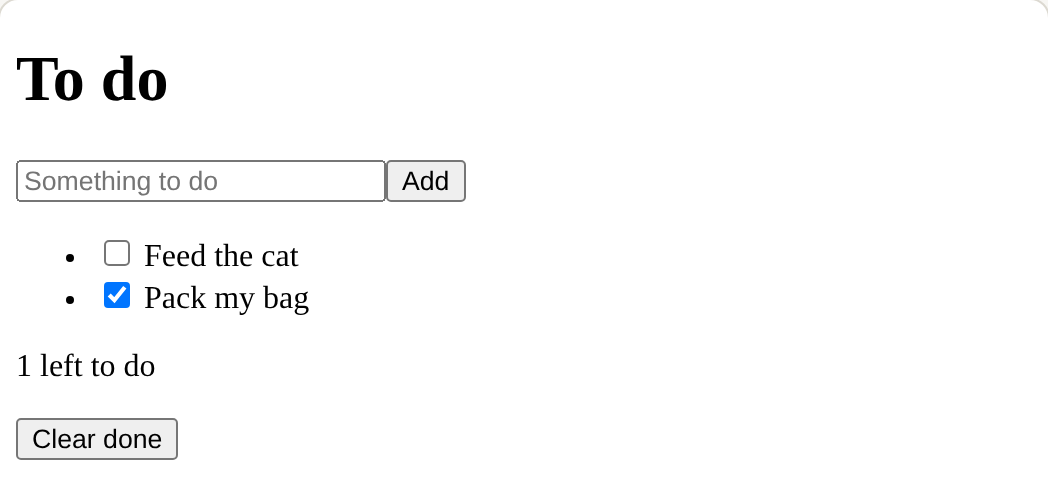
  1. The finished app's data is a list of tasks.
  2. v-model joins the box to newTask; Add runs addTask, which pushes to the list.
  3. Each task is a todo-item component, made by v-for.
  4. Tick one: the count of what is left is computed, so it follows.
  5. Build it in three milestones: add tasks; tick and count; the component and Clear done.
The page this code makes
What this code makes
The finished to-do app: data, events, a computed count and a component · Sound on for the voiceover
Open the lesson →