← micro:bit and the computer

micro:bit and the computer: recap

For after the lessons: one card per lesson, to check what you remember. Answer each question in your head or on paper first, then check it. Nothing here is marked.

Talk over USB

1. Send data to the computer

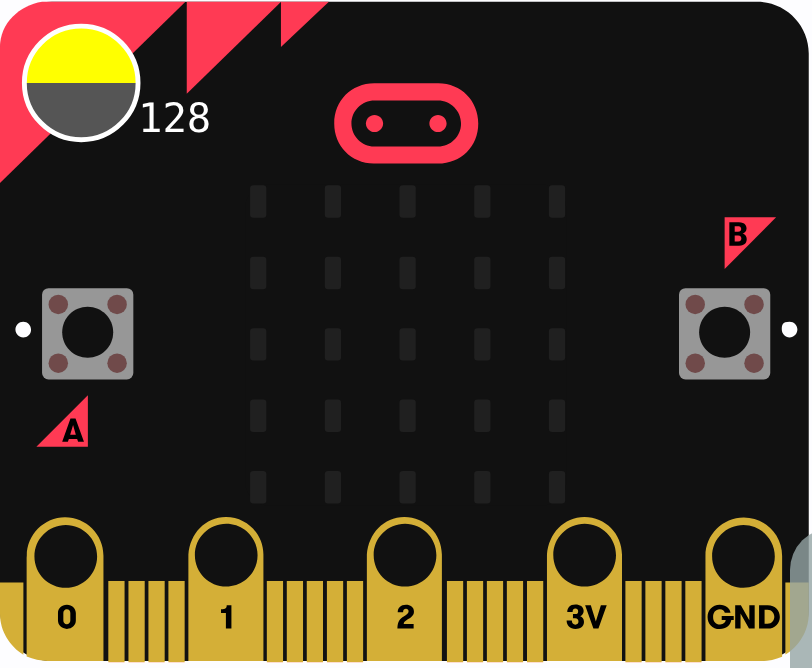
Try firstWhat does the computer receive when the micro:bit runs serial write value light, light level?

Check your answer

A line of text: the name light, a colon and the reading, such as light:128.

Serial sends text down the USB cable, one line at a time.

  • serial write value sends a named reading, such as light:128.
  • Put it in forever with a pause to send a reading again and again.
  • The computer turns the lines into a table or a graph.
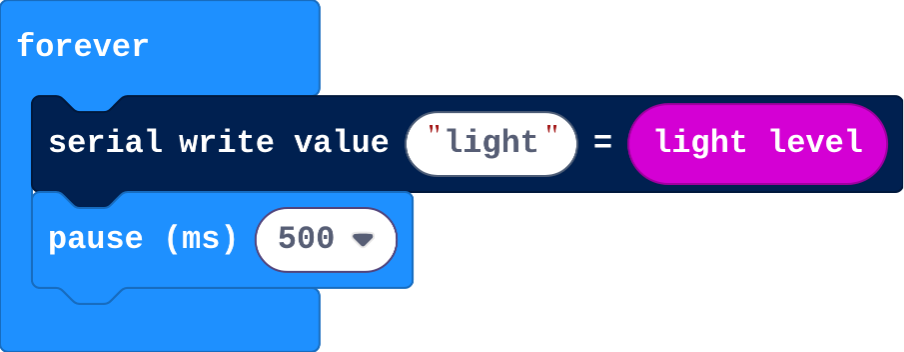
The program as blocks
Show as code
basic.forever(function () {
    serial.writeValue("light", input.lightLevel())
    basic.pause(500)
})
The example, as blocks
What this program shows in the micro:bit simulator
What it makes
Open the lesson →

2. Commands from the computer

Try firstThe computer sends Stop but the micro:bit's program checks for stop. What happens, and how would you fix it?

Check your answer

Nothing matches, so nothing happens (or the else runs). Make both sides use exactly the same word.

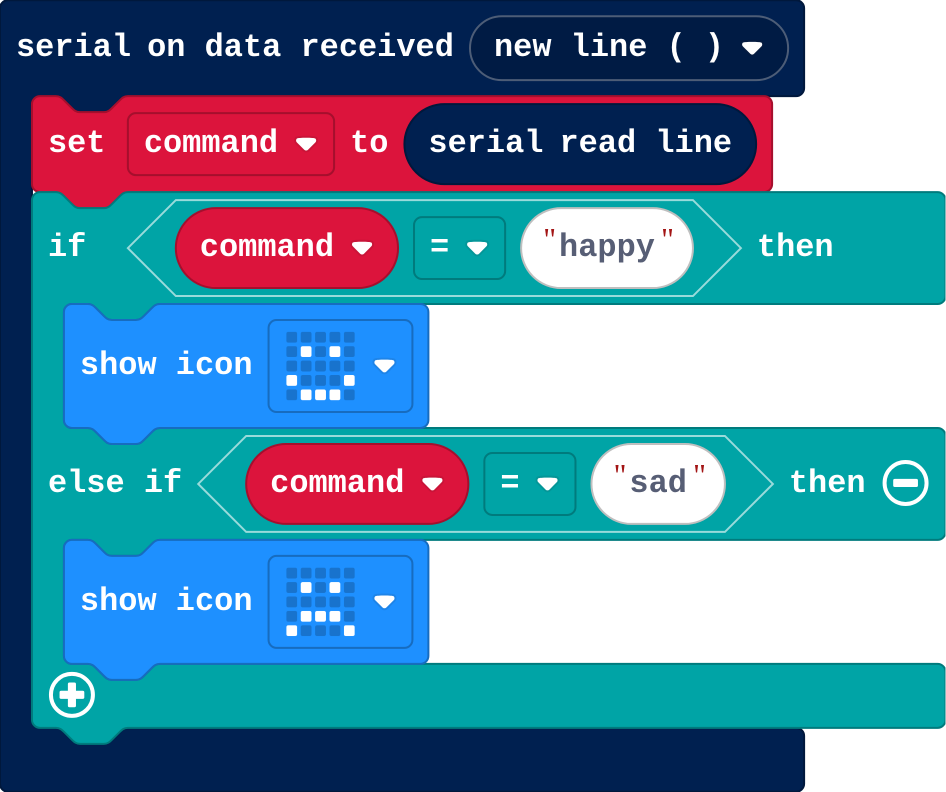
The computer sends a line of text. on serial data received runs when the whole line has arrived; read line gives the text.

  • Your program decides what each word means, so the words must match exactly.
  • Reply with serial write line so the computer knows what happened, and use else for words you don't know.
The program as blocks
Show as code
serial.onDataReceived(serial.delimiters(Delimiters.NewLine), function () {
    command = serial.readLine()
    if (command == "happy") {
        basic.showIcon(IconNames.Happy)
    } else if (command == "sad") {
        basic.showIcon(IconNames.Sad)
    }
})
let command = ""
The example, as blocks
What this program shows in the micro:bit simulator
What it makes
Open the lesson →

A radio bridge

3. A radio bridge

Try firstWhat does a bridge micro:bit do?

Check your answer

It passes radio messages on to the computer over the cable, and lines from the computer on by radio.

A bridge micro:bit is plugged into the computer and relays:

  • radio in → serial out (on radio received value → serial write value)
  • serial in → radio out (on serial data received → radio send string)

Both micro:bits need the same radio group, and a micro:bit never hears its own radio messages.

The program as blocks
Show as code
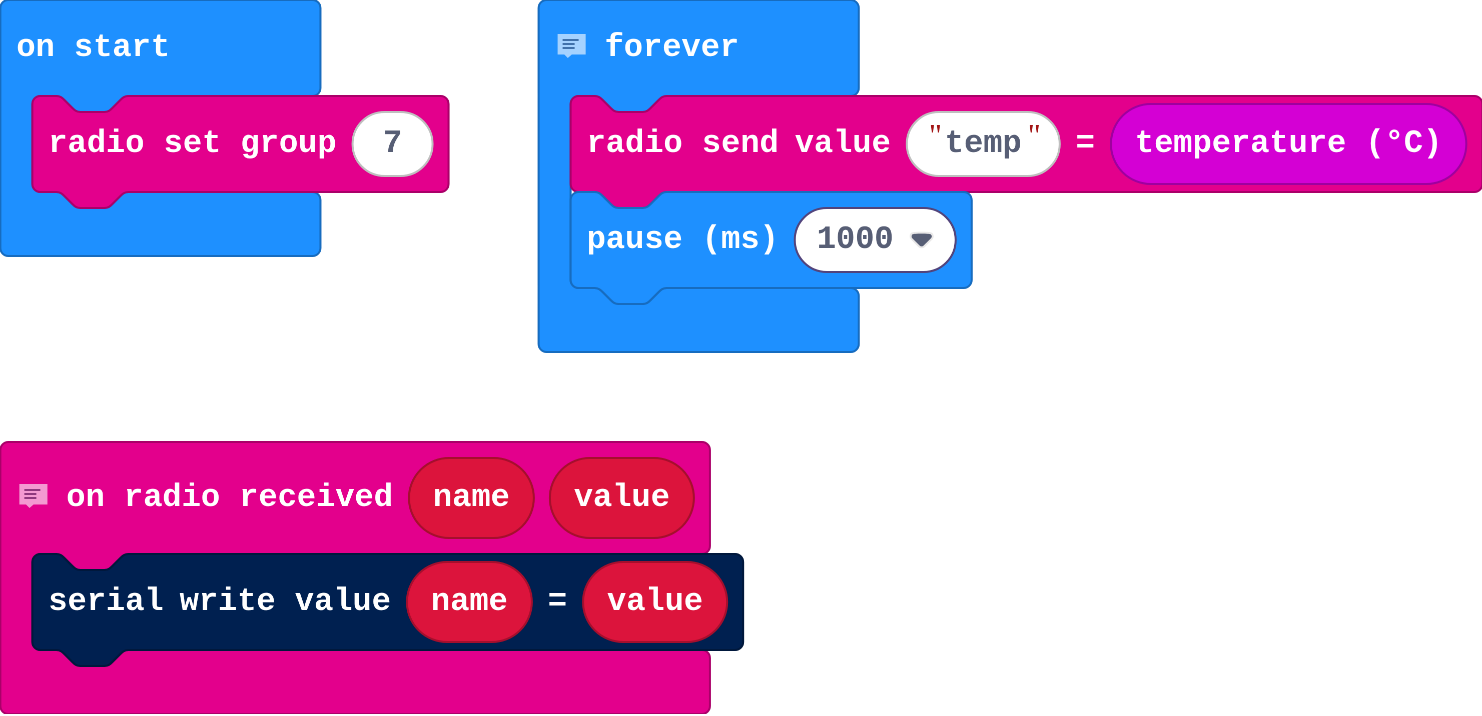
// Bridge: radio to the computer
radio.onReceivedValue(function (name, value) {
    serial.writeValue(name, value)
})
// Sensor: send the temperature by radio every second
basic.forever(function () {
    radio.sendValue("temp", input.temperature())
    basic.pause(1000)
})
radio.setGroup(7)
The example, as blocks
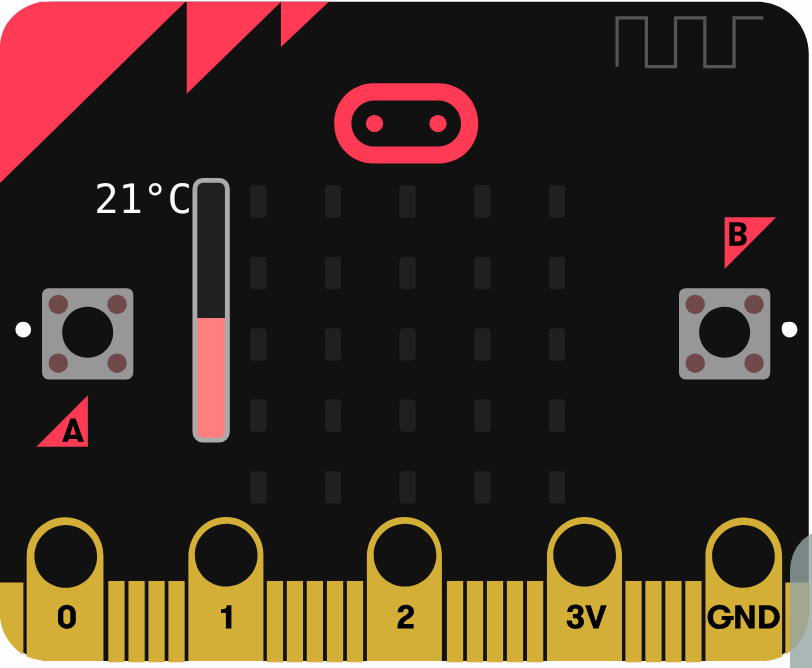
What this program shows in the micro:bit simulator
What it makes
Open the lesson →

A model drives a build

4. Train a recycling sorter

Try firstA model scores 95% on its own desk and 50% in the canteen. What do you do?

Check your answer

Find what the canteen photos have that the training photos don't (background, light), and add training photos like that.

A model learns only from the examples you give it. It works on new photos that look like its training photos and fails on ones that don't.

  • Accuracy = correct ÷ total, on photos the model has never seen.
  • Look at each group to see where it fails, and what the failures share.
  • To fix it, change the data: more variety, balanced classes, a class for "none of these".
Revision summary
  • A model learns only from the examples you give it: it works on inputs like its training data and fails on others.
  • Accuracy = correct ÷ total. Test on photos the model has never seen, and look at each group, not just the overall score.
  • Find what the failures share, then change the data: more variety, balanced classes, a class for "none of these".
  • A model always picks one of its classes, and it can be confident and wrong.
Open the lesson →

5. A model drives a micro:bit

Try firstThe model sends "Glass", a class the micro:bit's program doesn't check for. What should the program do?

Check your answer

Something safe: an else branch that leaves the flap in the middle (or stops), so an unexpected label never causes a wrong action.

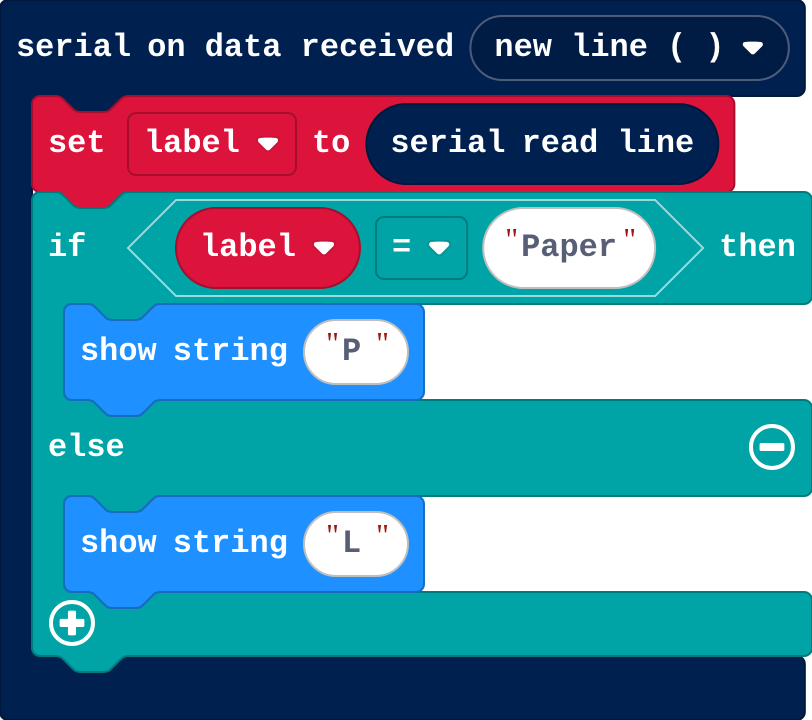
The board sends your model's label as a line of text over USB. The micro:bit's program decides what each label does.

  • Both sides must agree on every word, capital letters included.
  • An else branch handles labels the program doesn't expect.
  • A bridge micro:bit passes the labels on by radio.
The program as blocks
Show as code
serial.onDataReceived(serial.delimiters(Delimiters.NewLine), function () {
    label = serial.readLine()
    if (label == "Paper") {
        basic.showString("P")
    } else {
        basic.showString("L")
    }
})
let label = ""
The example, as blocks
What this program shows in the micro:bit simulator
What it makes
Open the lesson →

AI on the micro:bit

6. Train movements

Try firstWhy does the model mix up walking and running more than still and jumping?

Check your answer

Walking and running make similar patterns (a repeated swing) that differ only in speed and size; still and jumping look completely different.

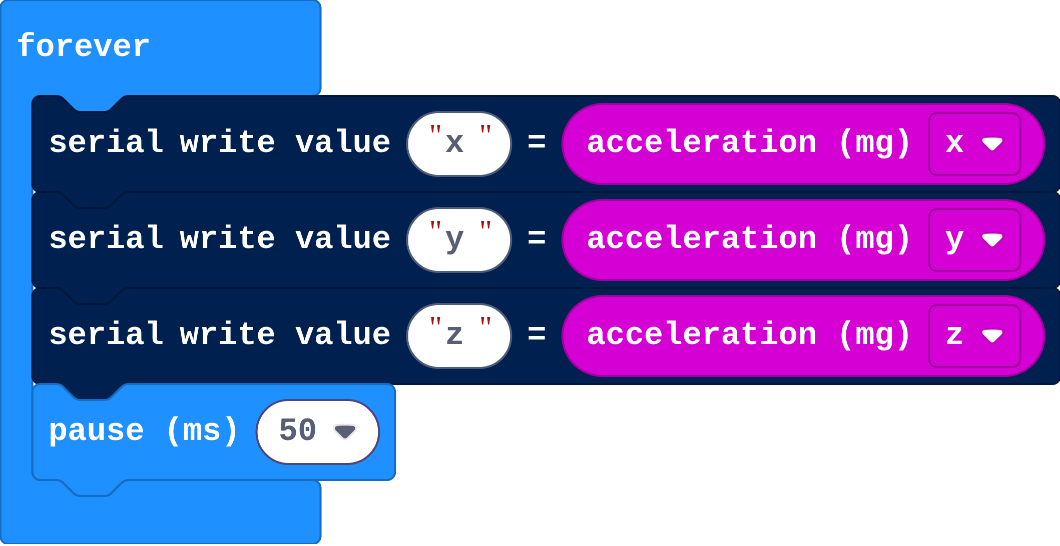
A movement is a short recording of x, y and z acceleration.

  • CreateAI learns the patterns in your samples (about a second each).
  • It knows only its examples: test with other people and add what they do differently.
  • The model then runs on the micro:bit (a V2), with no computer.
The program as blocks
Show as code
basic.forever(function () {
    serial.writeValue("x", input.acceleration(Dimension.X))
    serial.writeValue("y", input.acceleration(Dimension.Y))
    serial.writeValue("z", input.acceleration(Dimension.Z))
    basic.pause(50)
})
The example, as blocks
What this program shows in the micro:bit simulator
What it makes
Open the lesson →

7. Code with ML blocks

Try firstWhy does on ML jumping start run once during three jumps in a row?

Check your answer

It runs when the estimated action changes to jumping; three jumps in a row are one stretch of jumping.

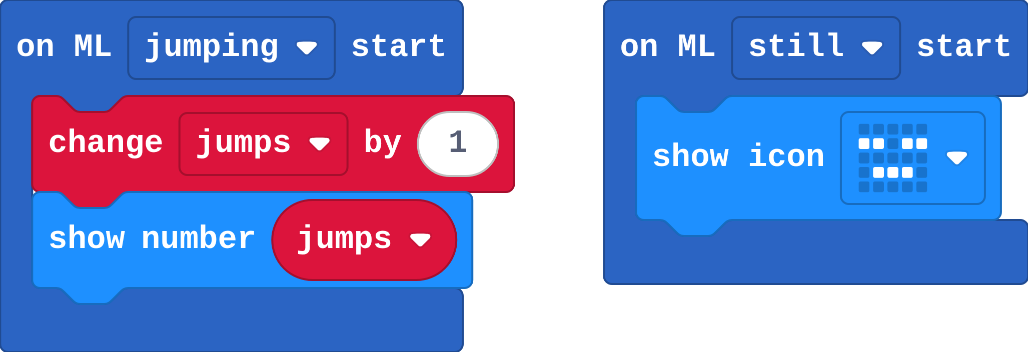
The Machine Learning blocks run code when the model's estimated action changes.

  • on ML … start: once, when an action begins.
  • on ML … stop: when it ends, with how long it lasted.
  • unknown: no action is certain enough.
The program as blocks
Show as code
ml.onStart(ml.event.Jumping, function () {
    jumps += 1
    basic.showNumber(jumps)
})
ml.onStart(ml.event.Still, function () {
    basic.showIcon(IconNames.Asleep)
})
let jumps = 0
The example, as blocks
Open the lesson →

Capstone: your own AI sorter

8. Capstone: your own AI sorter

Try firstWhy build the test set before training?

Check your answer

So it holds photos the model never trained on, from the conditions where it will be used: a fair test of whether it works there.

Build your AI sorter in four milestones:

  1. Test set first: photos the model never trains on, in groups for where it will be used.
  2. Train and improve: fix the weakest group by changing the data.
  3. Build: act on each label, do something safe for anything else, and reply.
  4. Report: scores by group, what you changed, and what it still gets wrong.
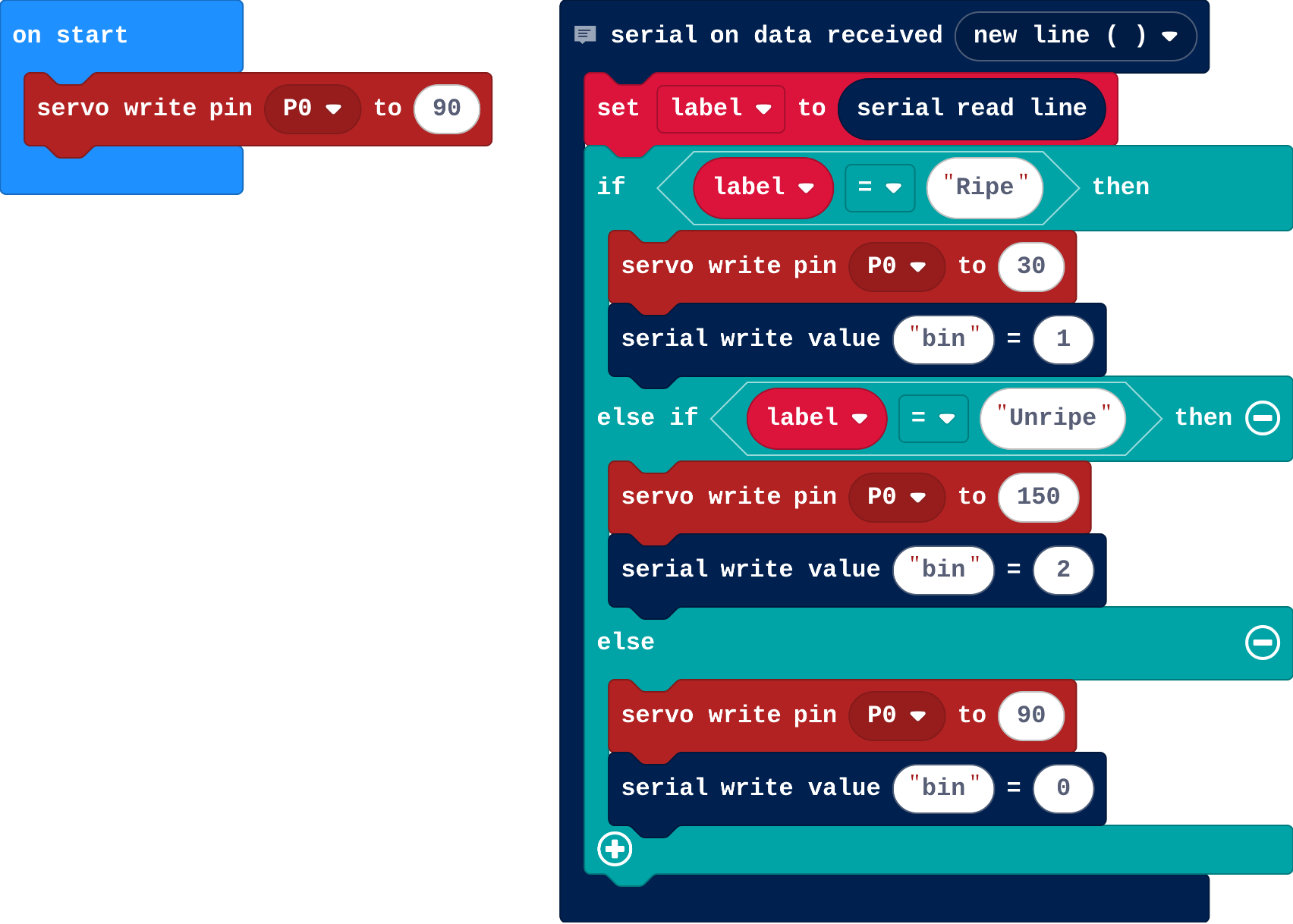
The program as blocks
Show as code
// An example for a fruit sorter (Ripe, Unripe, Neither); students use their own classes and actions.
serial.onDataReceived(serial.delimiters(Delimiters.NewLine), function () {
    label = serial.readLine()
    if (label == "Ripe") {
        pins.servoWritePin(AnalogPin.P0, 30)
        serial.writeValue("bin", 1)
    } else if (label == "Unripe") {
        pins.servoWritePin(AnalogPin.P0, 150)
        serial.writeValue("bin", 2)
    } else {
        pins.servoWritePin(AnalogPin.P0, 90)
        serial.writeValue("bin", 0)
    }
})
let label = ""
pins.servoWritePin(AnalogPin.P0, 90)
The example, as blocks
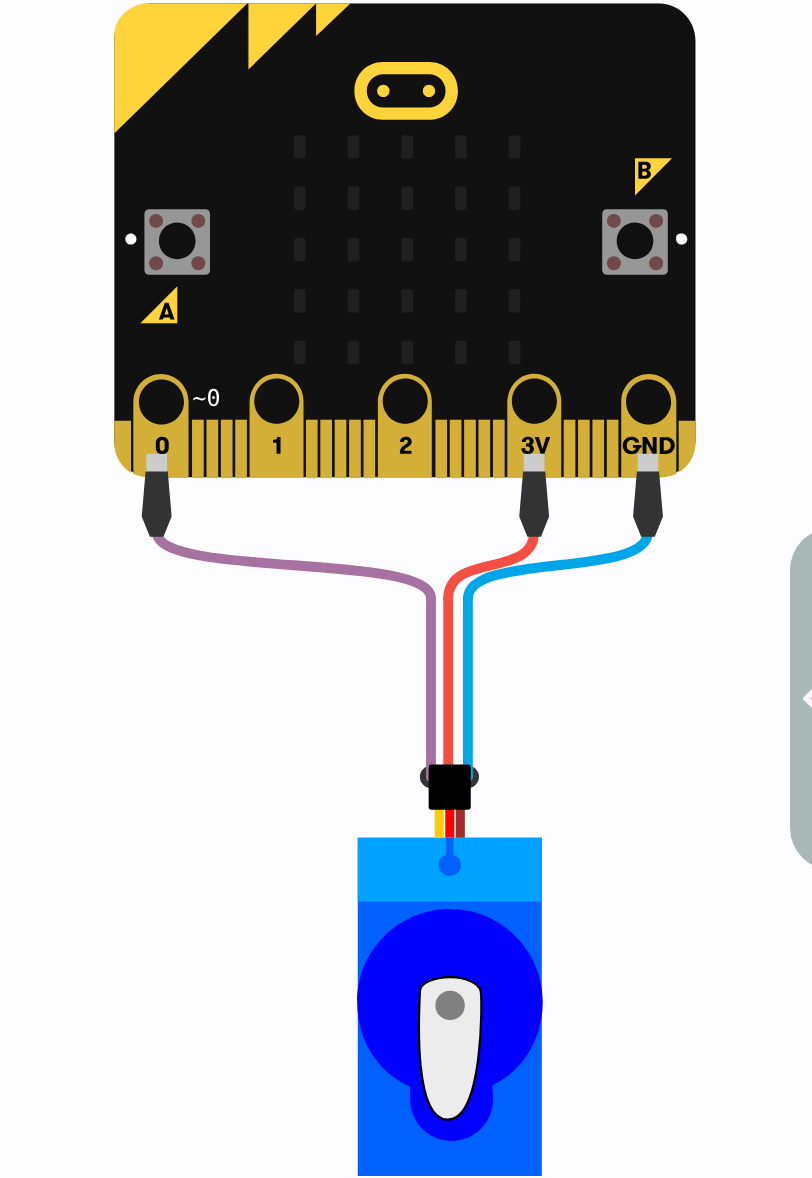
What this program shows in the micro:bit simulator
What it makes
Open the lesson →