Watch the radio packets
Open project · after lesson 3: A radio bridge
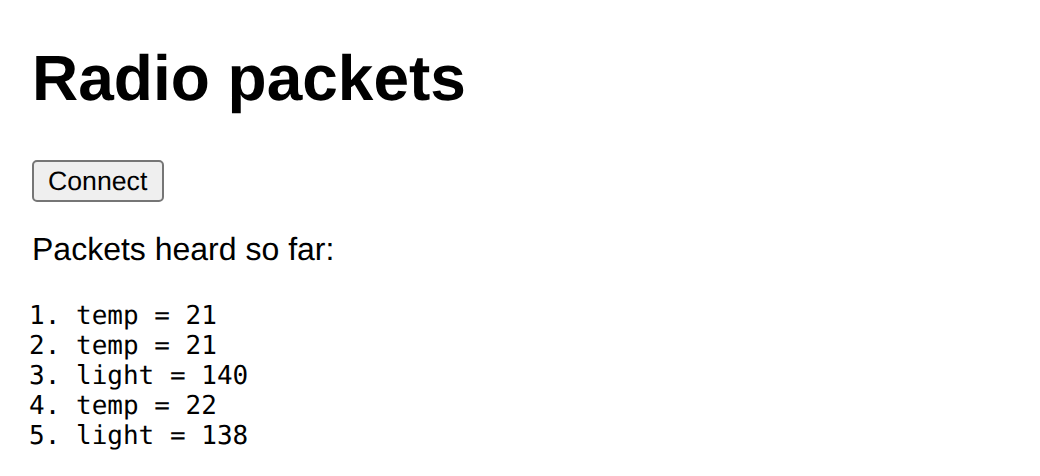
Two micro:bits and a page. A sender micro:bit sends readings by radio. A bridge micro:bit, plugged into the computer, hears every radio packet and passes it on. Your own web page lists each packet as it arrives (its name and its value), like a window on the radio.
Use a different radio group from the rest of the class so you only see your own packets.

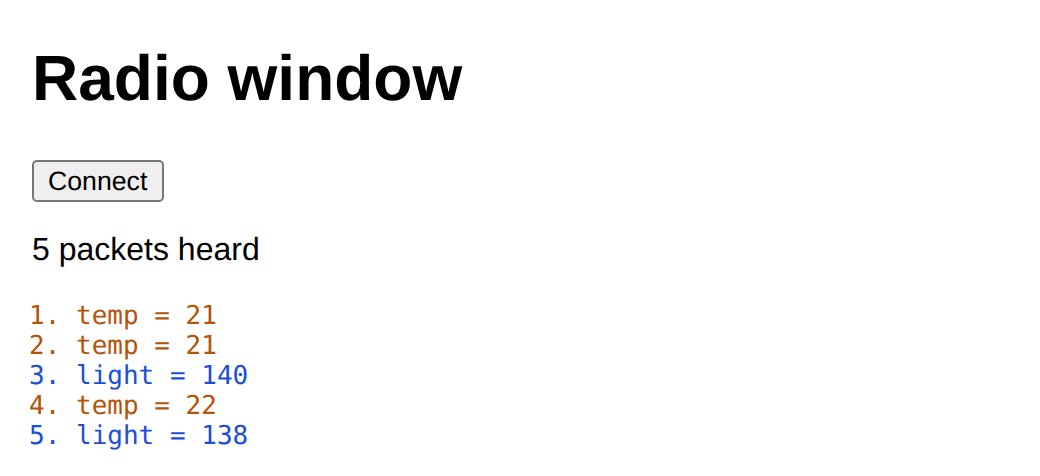
Ways it could look when it works
These show a finished project at about the level to aim for. Yours will be different, and that is fine.
You'll use
These light up when your code uses them. Click one to see where you learned it.
The bridge micro:bit
The web page
The bridge micro:bit
Try it yourselfYour edits are saved in this browser.
It takes a few seconds to load. Your work in this step is kept.
The web page
Try it yourselfYour edits are saved in this browser.
Milestones
Tick each one when it is true of your project. Nobody marks it: be honest with yourself.
- One way to do this step (yours can differ):
radio.onReceivedValue(function (name, value) { serial.writeValue(name, value) }) - One way to do this step (yours can differ):
var line = document.createElement("li");
line.textContent = name + " = " + number;
document.querySelector("#log").append(line);
Make it yours
- Send two different names from the sender and colour them differently on the page.
- Show how many packets have arrived so far.
Looking back
Tick every milestone first.
★ Watch the radio packets
You built it with: