A press counter
Open project · after lesson 2: Commands from the computer
Make a counter that lives on both sides. The micro:bit counts every press of button A and sends the count. Your own web page shows it big, and has a Reset button that tells the micro:bit to start again from 0.
A good counter never loses count: if the page opens late, the next press still shows the right number.
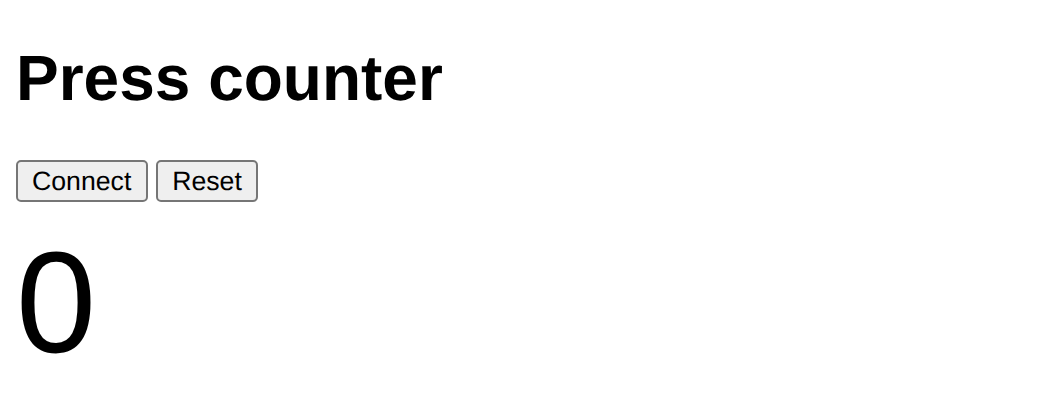
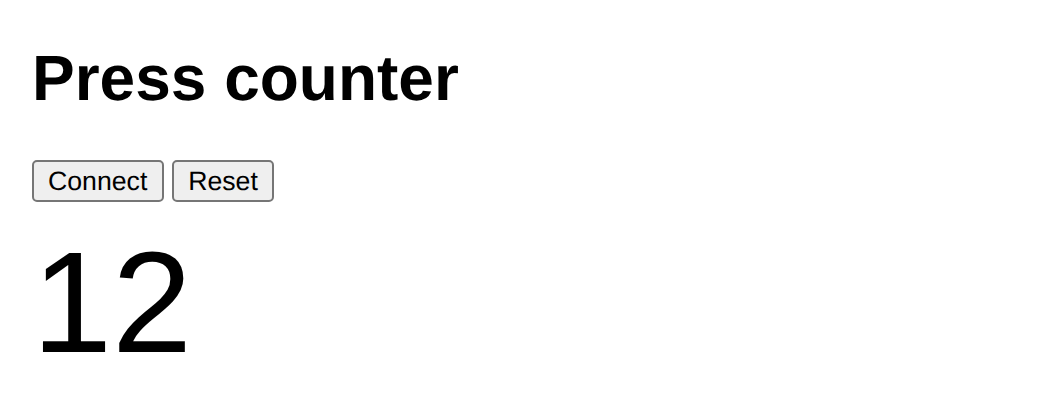
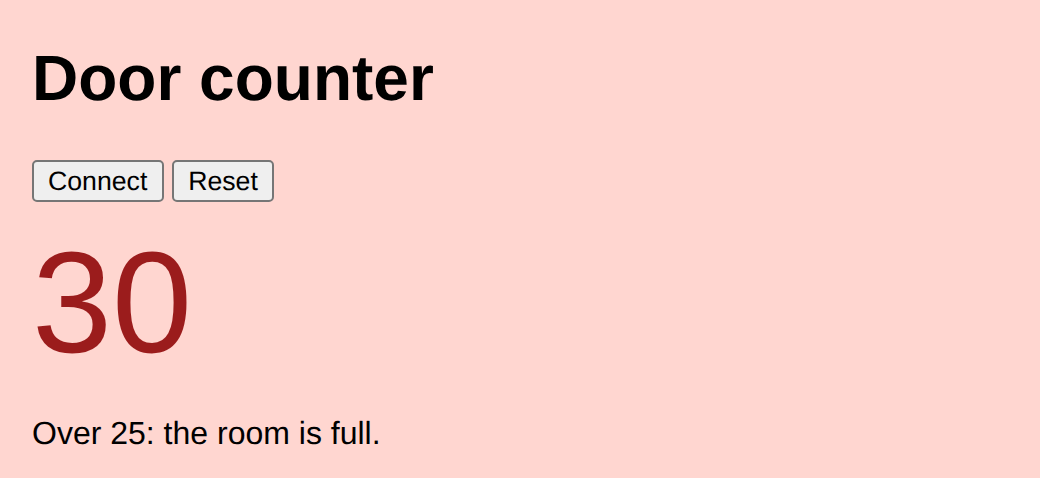
Ways it could look when it works
These show a finished project at about the level to aim for. Yours will be different, and that is fine.
You'll use
These light up when your code uses them. Click one to see where you learned it.
The micro:bit
change a variable from itself (x = x + 1, change by)serial writeserial read (on data received, read line)
The web page
The micro:bit
Try it yourselfYour edits are saved in this browser.
It takes a few seconds to load. Your work in this step is kept.
The web page
Try it yourselfYour edits are saved in this browser.
Milestones
Tick each one when it is true of your project. Nobody marks it: be honest with yourself.
- One way to do this step (yours can differ):
input.onButtonPressed(Button.A, function () { count += 1 serial.writeValue("count", count) }) - One way to do this step (yours can differ):
microbit.onValue(function (name, number) {
  if (name === "count") {
    document.querySelector("#count").textContent = number;
  }
});
Make it yours
- Turn the page red when the count passes a number you choose.
- Show the count on the micro:bit's own screen too.
Looking back
Tick every milestone first.
★ A press counter
You built it with: